How to Book a Meeting Room Without the Usual Headaches

20 October, 2026
Share this article
Table of Contents
Finding a meeting room is not the hard part. The hard part is showing up on the day and discovering the projector does not work, the WiFi is shared with the entire building, or the room you booked for eight people has actual seating for five.
How to book a meeting room that actually works requires knowing what to check before you confirm, what questions to ask and how to avoid the surprises that derail an important meeting.
This article covers all of that, with concrete use cases and a clear process for teams that book rooms regularly.
When to Book a Meeting Room
Not every meeting needs a room. Before booking, it is worth asking whether the format justifies the space.
It makes sense to book a meeting room when:
- There is an external client present. A video call from home or a meeting at a café does not send the same signal as a professional room with your company name on the welcome screen. For closing deals, presentations or first meetings with clients, the environment matters.
- The team needs to work on something together for hours. Planning sessions, product reviews, internal workshops: when a meeting runs more than two hours and requires focus, a dedicated room eliminates the distractions you cannot control in an open space.
- There is a presentation or technical demonstration. Large screen, clean audio, no interruptions. Presenting from a laptop on a coworking desk is not the same as presenting from a properly equipped room.
- It is an interview or a confidential conversation. HR discussions, performance reviews, negotiations: these conversations need real privacy, not just the appearance of it.
- The team is in different cities and needs a professional meeting point. A meeting room gives each group a space with good connectivity and professional audio, rather than joining from home or a café.
When it does not make sense:
- A 20-minute follow-up call that could be a message
- An informal internal catch-up where a coworking table works just as well
- When nobody will be physically present and the meeting is fully remote with no need for a professional video conferencing setup
Knowing when to use a meeting room by the hour is also a budget decision. A room for eight people for four hours can cost between US$10 and US$30 when you book a meeting room in Bogotá or other cities in LATAM. If the meeting does not justify it, that cost is unnecessary.

What to Check Before You Confirm
Most meeting room problems are avoidable if you check five things before confirming.
1. Real capacity, not nominal capacity
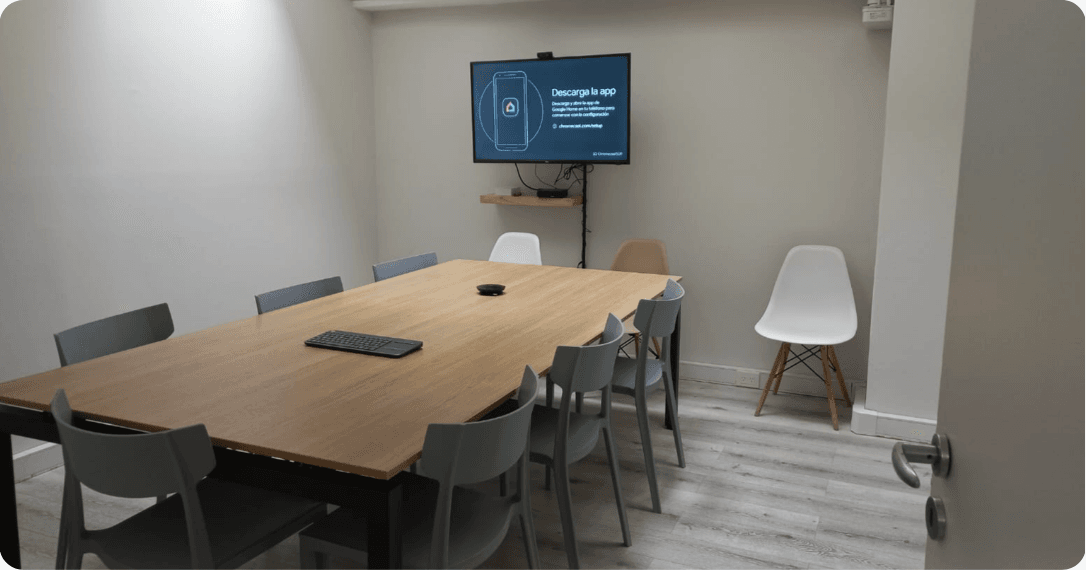
The listing says “room for 10.” What it does not say is whether those 10 people fit comfortably, with room to move, with chairs for someone who arrives late. Before confirming, ask how many people fit seated around the table, not how many can physically stand in the room. A room for 10 on paper usually works best for 7 or 8 in practice.
2. Dedicated or shared WiFi
This is the question most people forget to ask and the one that ruins the most meetings. Shared WiFi with the rest of the coworking or building can work fine at 9am and collapse at 11 when everyone is on a video call simultaneously.
For meetings with external clients or presentations that depend on a stable connection, ask explicitly whether the room WiFi is dedicated or shared, and what bandwidth is guaranteed.
3. Video conferencing equipment
Screen or projector, camera, microphone and speakers. Not every space has all four. Some have a screen but no camera. Others have a projector but the HDMI cable does not work with your laptop.
Before confirming, verify exactly what is in the room and whether it is compatible with what you are going to use. If you are connecting remote participants, audio is the most critical element: a basic camera works fine, a bad microphone ruins the meeting.
4. Cancellation policy and additional costs
Some rooms charge 100% if you cancel with less than 24 hours notice. Others add charges for coffee consumption, projector use or going over the booked time. Before confirming, read the full policy. Hidden costs that appear at checkout are one of the most common problems when choosing a meeting room.
5. Access and reception
Does the building require sign-in at reception? Is there access control that requires someone to come down and meet your guests? Is there parking if participants are driving?
For meetings with external clients, the arrival experience is part of the meeting. An excellent room in a building with complicated access creates a negative first impression that is hard to recover from.
How to Book a Meeting Room
The process changes significantly depending on whether your company has a centralized platform or manages each booking separately.
Without a centralized platform
Define what you need, search across different sites, contact the space to confirm availability and equipment, pay separately, receive one invoice per space, and repeat the entire process in every city where the team needs a room.
For teams booking across multiple cities, this means separate processes, different providers and multiple invoices. It consumes real time without adding any value.
With Pluria
Each person downloads the app and logs in with their company account. When they need a room, they open the app, filter by city, size and available equipment in real time, and confirm the booking. No calls, no waiting for email confirmation, no separate payment.
What the company sees at the end of the month: one invoice with all the bookings from every team member, across every city, consolidated. No individual reimbursements, no separate providers per city, no reconciliation process.
For teams booking rooms across multiple cities, the operational difference is concrete. Meeting rooms in Mexico City and meeting rooms in Bucharest are both booked from the same account, with the same process, in the same app.
What booking directly vs booking through Pluria looks like
What Actually Goes Wrong
None of this appears in official meeting room guides because nobody wants to write it. But if you have booked enough rooms, you have experienced all of it.
- The WiFi collapses exactly when you need it most. The fix is not to bring a backup hotspot, though that is not a bad idea: it is to ask upfront whether the room’s bandwidth is guaranteed or shared.
- The room is smaller than it looked in the photos. Meeting room photos have a special talent for making four square metres look like an auditorium. Always ask for the actual dimensions or confirm how many people fit seated around the table.
- The equipment does not work or is not compatible. The HDMI cable does not connect to your laptop. The video conferencing camera has no built-in microphone. Before confirming, ask exactly what is there and if you have doubts about compatibility, bring your own adapter.
- Extra costs appear at checkout. This adds up quickly. Read the full policy before confirming and ask explicitly what is included and what costs extra.
- The meeting runs over and the room is already booked. You arrived at 10, but at 12 someone knocks on the door because they have the room reserved. If there is any chance the meeting will run long, book with a buffer. An extra half hour at the end costs less than cutting an important conversation short.
- Access is more complicated than you expected. For meetings with external clients, the entry process is part of the experience. Access control that requires someone to come down, a reception desk that does not have the booking registered, or a parking situation that does not work — all of these create delays and a bad first impression.
How to Choose a Meeting Room for Each Moment
Choosing a meeting room depends more on the type of meeting than the number of people. Here are the most common cases and what to look for in each.
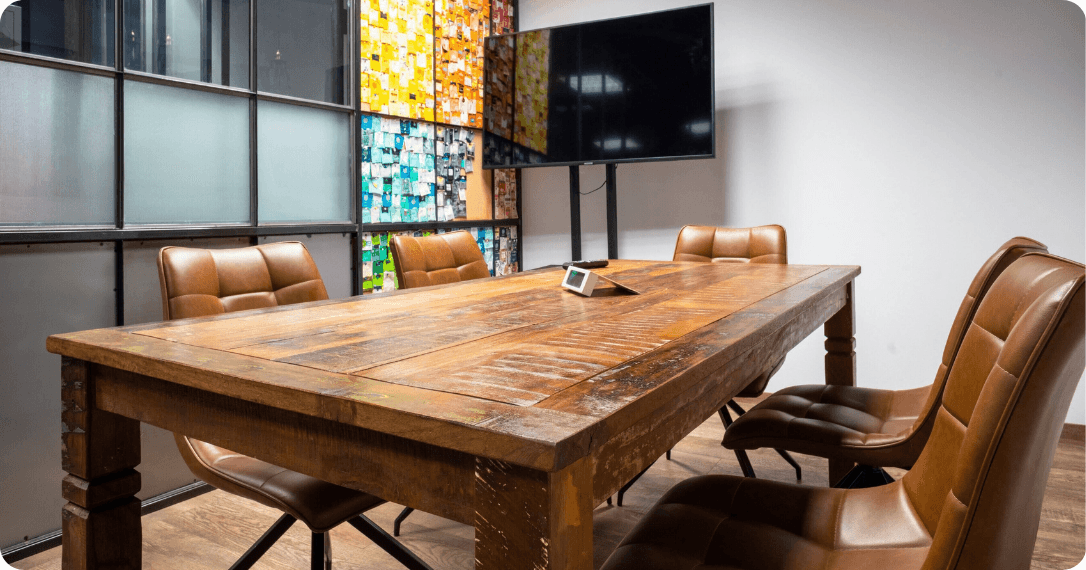
- Client meeting: The room needs to communicate professionalism before the first slide appears. Look for a space with reception, a recognizable address and easy access for someone who does not know the building. Meeting rooms in Buenos Aires and other cities on the Pluria network include reception and are inside coworking spaces with professional infrastructure.
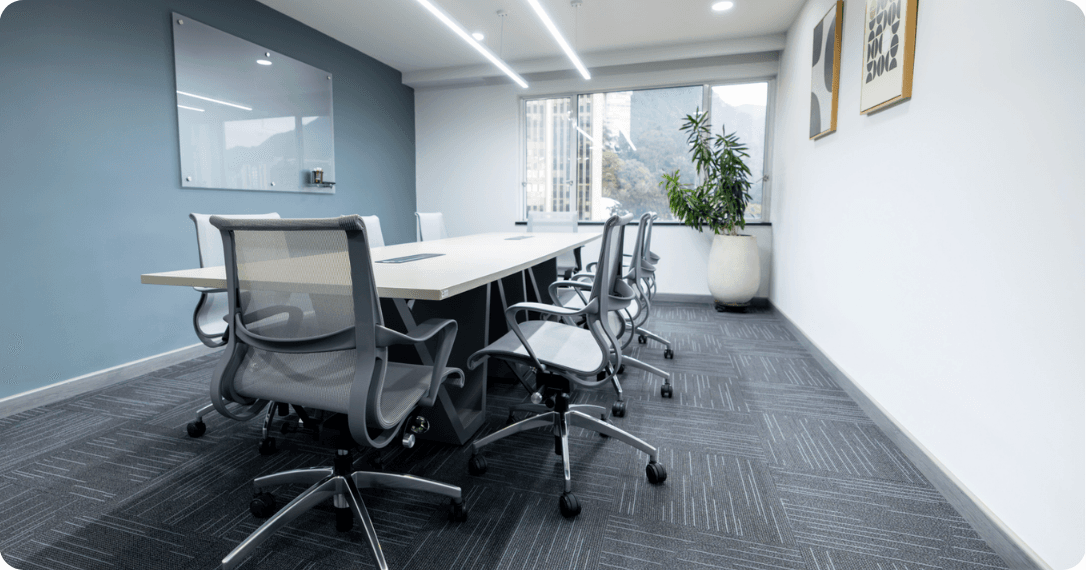
- Internal planning workshop: The priority here is not impression but functionality. Enough space to move around, a wall or screen to write or project on, good ventilation if the session runs more than two hours. It needs to be comfortable and have the right materials: markers, a whiteboard or flipchart, accessible power outlets.
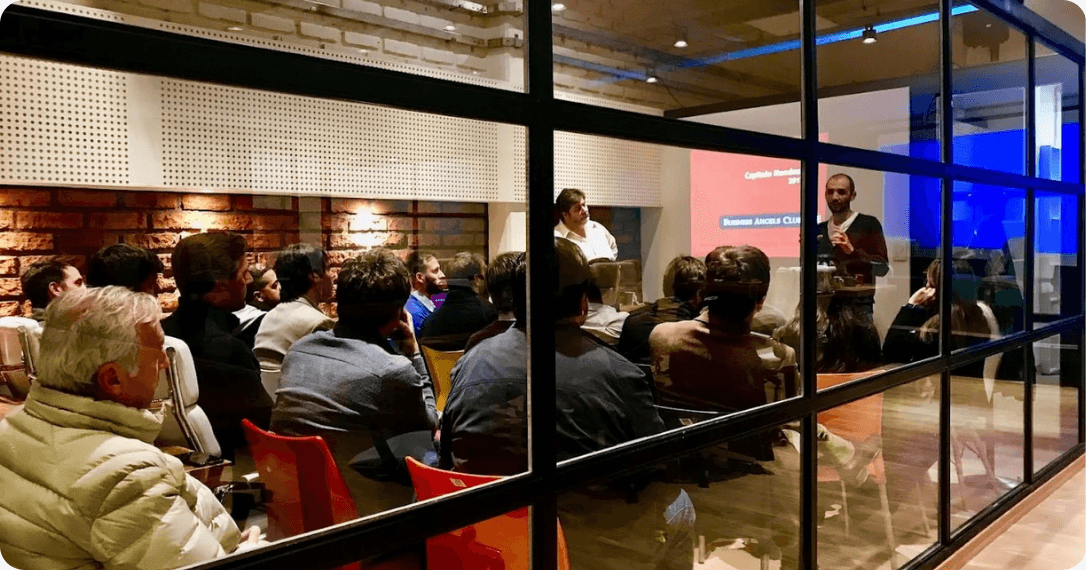
- Presentation or technical demonstration: Large screen, clean audio and stable connection are the three non-negotiable requirements. If there are remote participants, the room microphone matters more than the camera. For this type of meeting, it is worth paying more for a room with better equipment.
- Interview or confidential conversation: Real privacy, not relative privacy. Look for an enclosed room with enough acoustic isolation that the conversation does not carry into the shared space. Capacity for two or three people is enough, which also reduces the cost significantly.
- Hybrid meeting with participants in multiple cities: This is where infrastructure matters most. Each group needs clean audio, a correctly positioned camera and a stable connection. A bad room in one city ruins the experience for everyone.

How to Manage Meeting Rooms Across Multiple Cities From One Account
For someone who books a room once a month, searching on Google, comparing options and confirming by email works fine. For an ops manager or EA managing meetings for a team in three cities, that process consumes real time that generates no value.
The problem is not finding rooms. It is the invisible work that follows: checking availability in each city separately, coordinating with different providers, consolidating invoices from separate vendors, and resolving problems on the day of the meeting without a single point of contact.
One hourly meeting room rental in Bogotá, another in Mexico City and another in Buenos Aires managed separately are three different processes. Managed from a single platform, they are one.
The operational difference is concrete: one account, one monthly invoice, real-time availability in all cities, and one place to resolve any problem.
For teams that need meeting rooms without a long-term lease across multiple cities in LATAM and Europe, Pluria connects over 1,000 spaces in 200 cities from a single app.
Coworking spaces, work cafés, meeting rooms and private offices, all from the same account and on one monthly invoice.
When someone on the team needs a room in Bogotá tomorrow, they open the app and book. When there is a client meeting in Mexico City next week, same process. When the team needs a space for an offsite in Buenos Aires, same again. Everything from the same account, without additional coordination.
Why booking room by room stops working when the team grows
Booking a meeting room independently works well when you do it once a month for one important meeting. It stops working when the team books rooms regularly across more than one city.
Without a centralized platform: someone needs a room in Bogotá for Tuesday. They search on Google, find three options, visit three separate sites to check availability, message two on WhatsApp and one by email to confirm whether the WiFi is dedicated, wait for a response, confirm with one, pay separately, request an invoice, send it to finance. The following week someone needs a room in Mexico City. Same process, different provider, different invoice.
For an ops manager or EA managing meetings for a team in three cities, that process repeats dozens of times a month. The cumulative time spent on search, confirmation and invoice reconciliation is real, and generates no value.
The problem is not that it is hard to find a room. It is that without a centralized platform, every booking is a process from scratch, with a different provider, through a different channel, with a different invoice. That does not scale.
To see what spaces Pluria has in the cities where your team operates, book your room with Pluria directly.
FAQs
Remote work
Keep up to date with our most recent articles, events and all that Pluria has to offer you.
By subscribing to the newsletter you agree with the privacy policy.

The future is hard to predict.
Unfortunately, there’s no crystal ball that can tell us exactly what will happen. Yet, there are structured methods that[...]
22 October, 2025
In today’s fast-paced business environment, projects move faster than ever before.
Customer expectations shift constantly, new competitors enter [...]
29 October, 2025

More often than not, the best ideas do not develop in a linear fashion.
As a matter of fact, they usually emerge from a single word, an unexpected conn[...]
07 November, 2025